
Why it fits
The repository LICENSE is GNU GPL version 3 with no "or later" statement (GPL-3.0-only). Free to self-host for a private household archive; documents stay on your own server.

Getting started
Prerequisites (from the official docs):
- A Linux server or PC with Docker and Docker Compose
- Disk space for your documents
- Optionally a scanner that can save to a network folder (the consume folder)
Steps:
- Download the three Docker Compose template files from the setup guide for your database.
- Edit the compose file for your paths and database choice.
- Edit docker-compose.env (consume/media/data paths and UID/GID).
- Replace PAPERLESS_SECRET_KEY=change-me with a real secret (for example openssl rand -hex 32).
- Pull the images with docker compose pull.
- Start the stack with docker compose up -d.
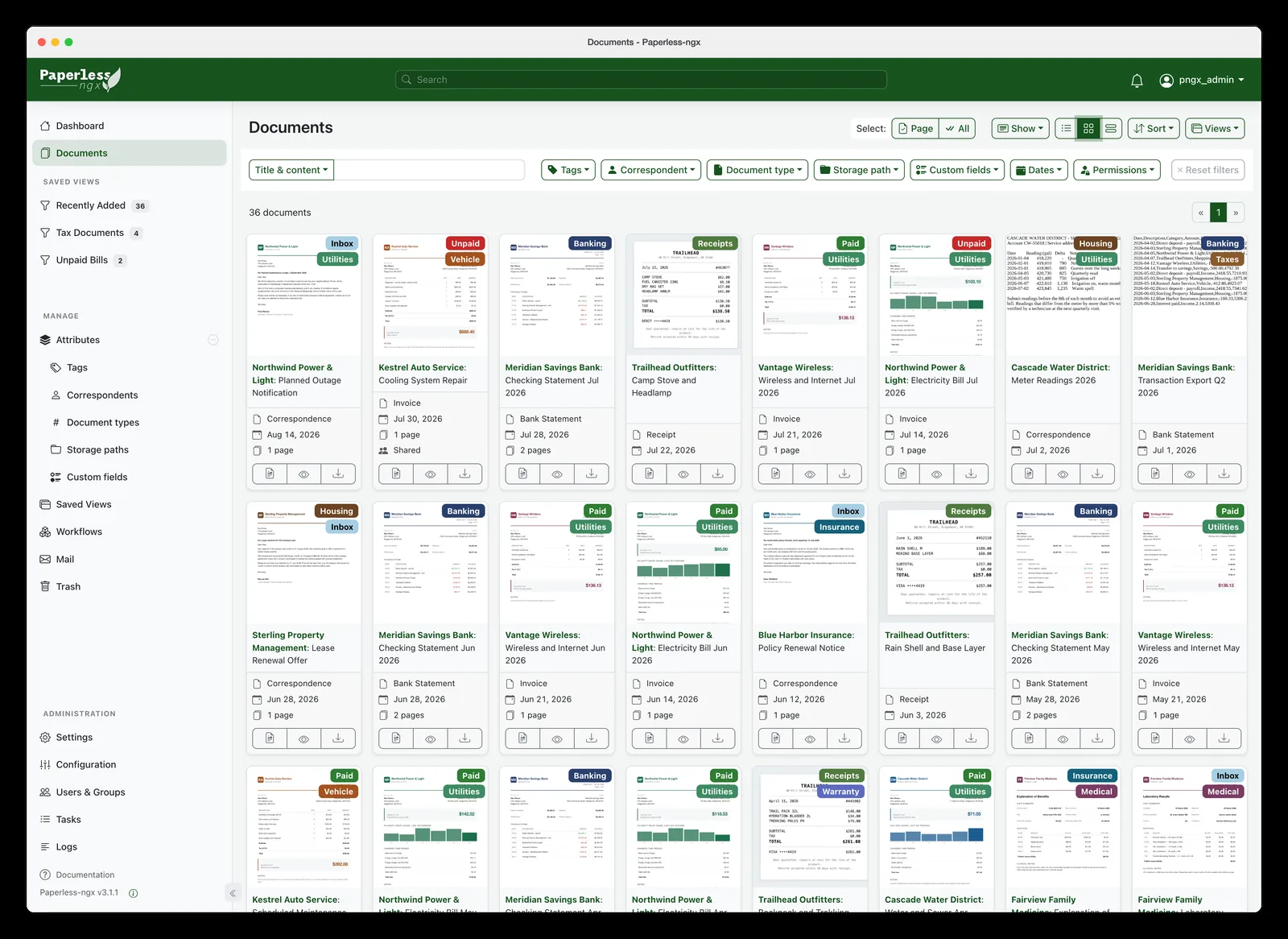
- Open http://<server>:8000.
- Create the Django superuser and drop a first PDF into the consume folder.
Official setup guide: https://docs.paperless-ngx.com/setup/
Notes
The earlier project paperless-ng is discontinued: its GitHub repository is archived (last push February 2023) and its README points to paperless-ngx as the direct continuation and drop-in replacement. The paperless-ngx README calls itself the official successor of Paperless and Paperless-ng.