
Why it fits
The server LICENSE is GNU AGPL version 3 with no "or later" clause. You can install the server and apps yourself at no charge for private use. Source is public under an OSI-approved license.
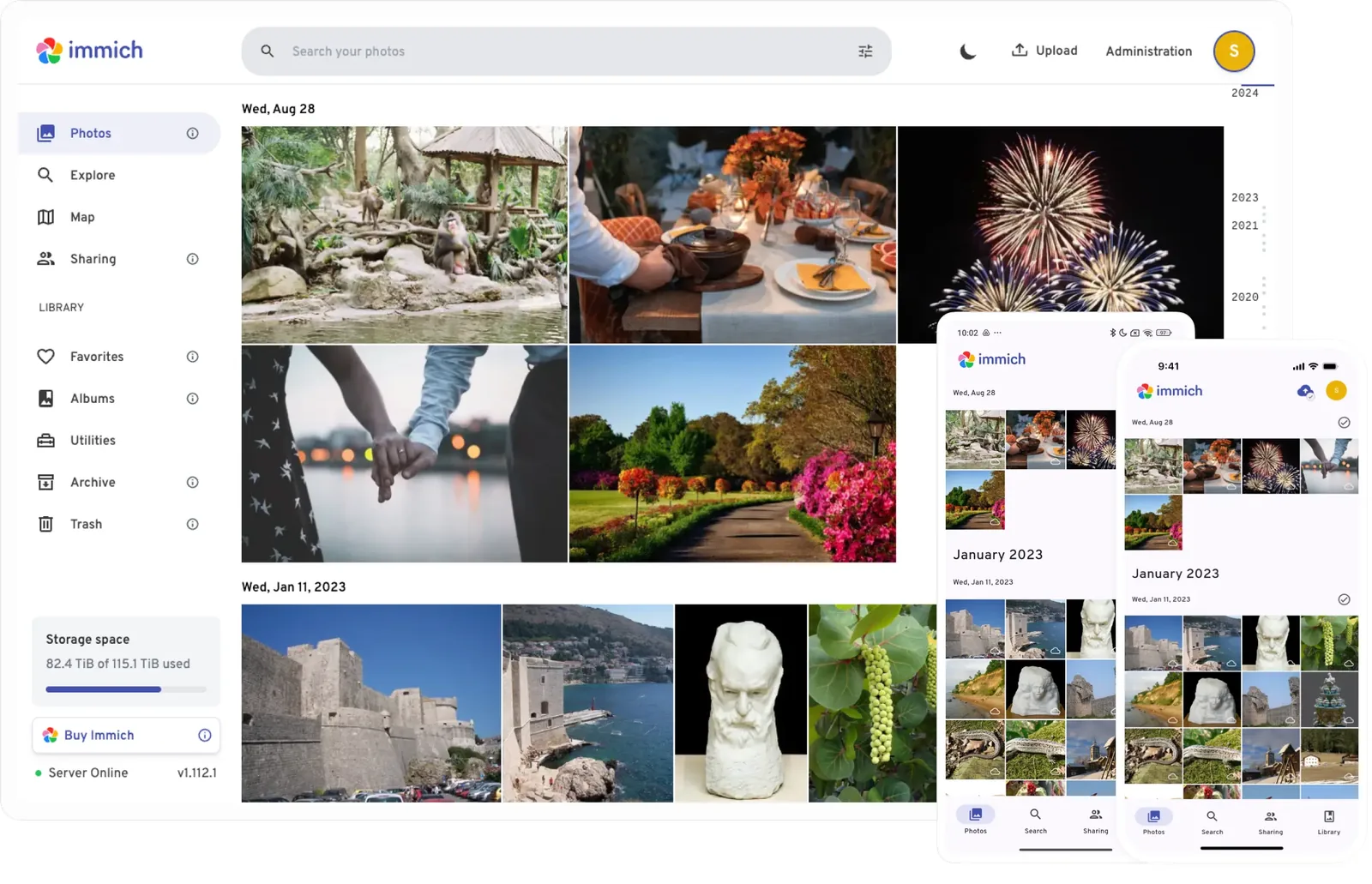

Getting started
Prerequisites (from the official docs):
- A Linux server (or a supported OS) with Docker and Docker Compose
- At least 6 GB RAM and 2 CPU cores according to the official requirements
- Enough disk space for your photo library (set via UPLOAD_LOCATION)
- Port 2283 reachable from your devices
Steps:
- Create a directory for Immich and change into it.
- Download docker-compose.yml from the latest release, as shown in the quick start.
- Download the example.env file from the same release.
- Rename example.env to .env and set UPLOAD_LOCATION and a database password.
- Start the stack with docker compose up -d.
- Open http://<server>:2283.
- Register the admin account.
Official quick start: https://docs.immich.app/overview/quick-start/
Notes
Association with FUTO is organizational context only; it does not change the AGPL license label.